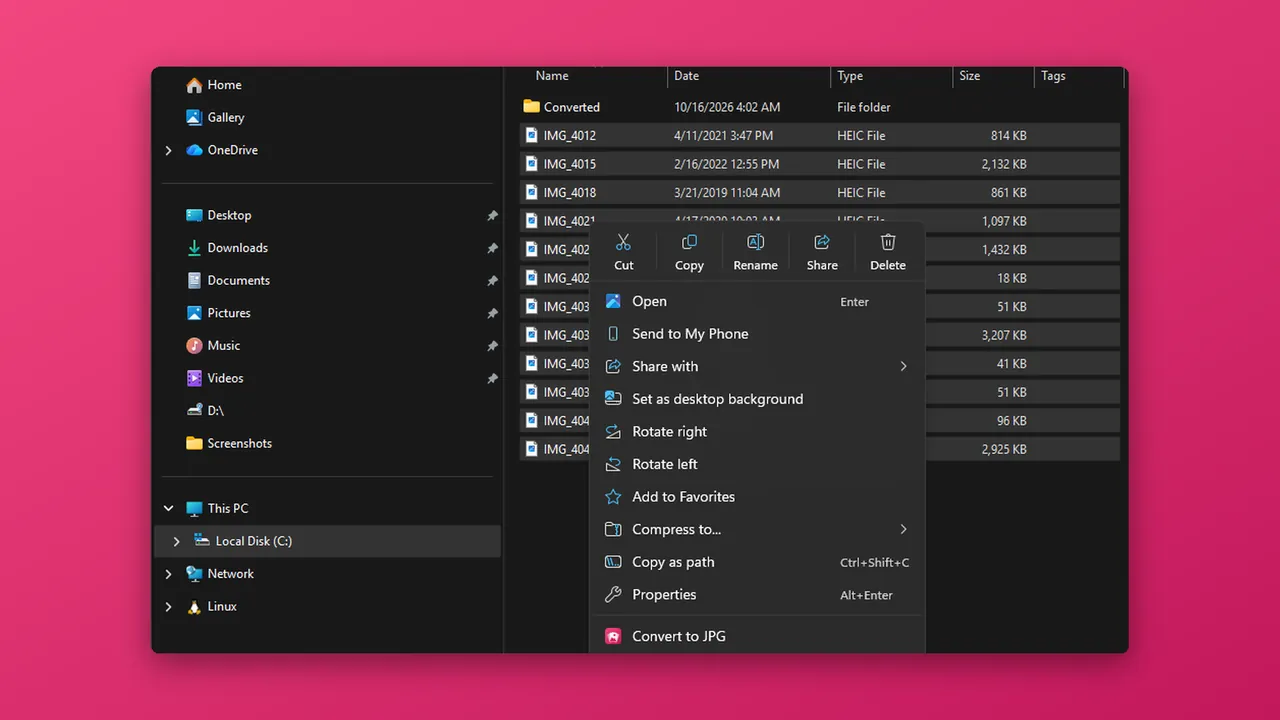
Why a HEIC file will not open
HEIC (also called HEIF) stores photos in less space than JPG. Windows needs add-on software to read it, so you may see a blank icon in File Explorer or a message asking you to install something. Your photos are fine. Windows just needs a way to decode them.
Option 1: install Microsoft's extensions
- Open the Microsoft Store and search for HEIF Image Extensions. Install it.
- If your photos still do not open, also install HEVC Video Extensions. Many iPhone photos use HEVC compression. Depending on your PC, this extension may already be installed, may be free from your PC maker, or may be a small paid download.
- Double-click a HEIC photo. It should open in the Photos app. Paint can open it too.
Option 2: change the format on your iPhone
On the iPhone, go to Settings, Camera, Formats and choose Most Compatible. New photos are then saved as JPG. This does not change photos you have already taken. When you copy photos to a PC, Settings, Photos, Transfer to Mac or PC, Automatic converts them to a compatible format where needed.
Option 3: use HEIC Converter
HEIC Converter is a free Windows app from HAYAH that opens HEIC, HEIF and HIF photos without extra codec downloads.
- Install HEIC Converter from the Microsoft Store using the button below.
- Double-click a HEIC photo, or drag it onto the app window.
- The photo opens, with its date taken, camera and location details. There is no limit on viewing.
- Need a copy that opens anywhere? Convert it to JPG or PNG. See the guide Convert HEIC to JPG on Windows.
It handles HDR photos from recent iPhones without green or washed-out colors. For Live Photos it shows the still image. Your originals are never changed, and photos are processed on your PC and never uploaded.
Viewing is free. Converting is free for up to 5 photos per batch. Pro is optional: a one-time $9.99 Lifetime Unlock or a $2.99 7-Day Pass, with no subscription.
Questions
Why does Windows say it needs an extension for HEIC?
Is HEIC Converter free?
What happens to a Live Photo?
Does opening a photo change it?
Are my photos uploaded?
More guides
Prices are in US dollars and may vary by market. The Microsoft Store shows the price for your country before you buy. Microsoft, Windows, Excel and Microsoft Store are trademarks of Microsoft; HAYAH is not affiliated with Microsoft or Apple.