





Independent studio · Windows apps
Small, sharpWindows appsthat just work.
HAYAH makes focused Windows apps for the Microsoft Store: convert photos and audio, edit spreadsheets, read books, turn video into text and chat with AI. Each one is free to download, with optional upgrades.
- HEIC
- HEIF
- HIF
- JPG
- PNG
- WebP
- TIFF
- BMP
- XLSX
- XLS
- CSV
- MP3
- M4A
- WAV
- FLAC
- OGG
- Opus
- ALAC
- AIFF
- WMA
- MP4
- MOV
- MKV
- WebM
- EPUB
- MOBI
- AZW3
- FB2
- CBZ
- CBR
- HEIC
- MP3
- EPUB
- XLSX
- TXT
- SRT
- VTT
File formats across our apps. Each app page lists exactly what it supports.
Our apps
Six apps. One job each.
HEIC Converter
Open and convert HEIC photos on Windows, from a single photo to whole folders. Photos are processed on your PC and never uploaded.
Explore HEIC Converter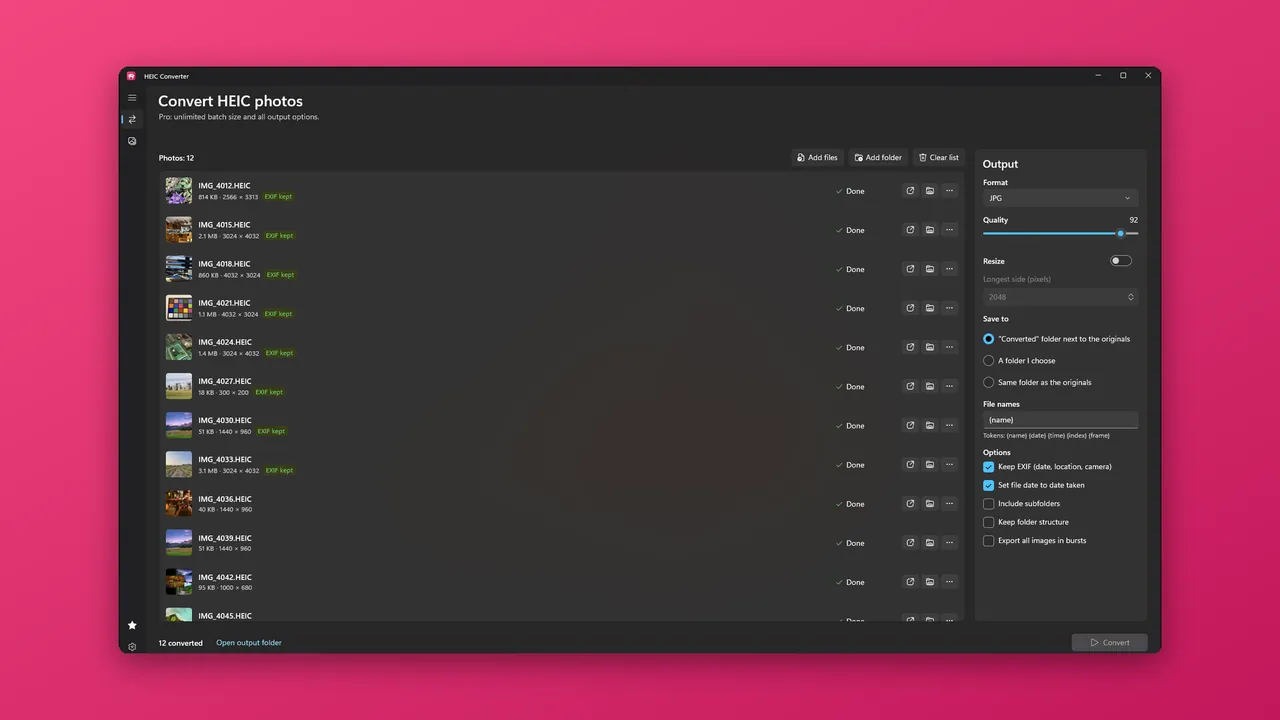
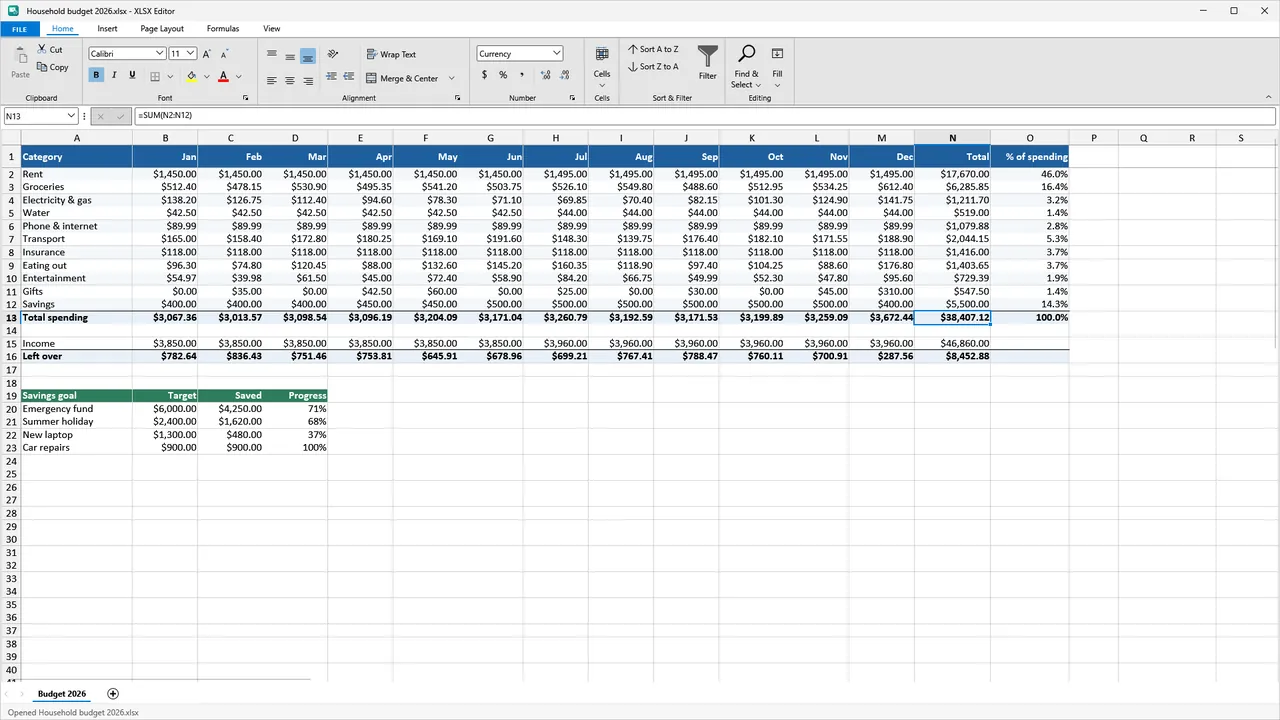
XLSX Editor
Open, edit and print everyday spreadsheets without an Office subscription or an account.
Explore XLSX Editor XLSX Editor
Audio Converter
Convert audio, pull soundtracks out of videos and rip CDs. Files are converted on your PC and never uploaded.
Explore Audio Converter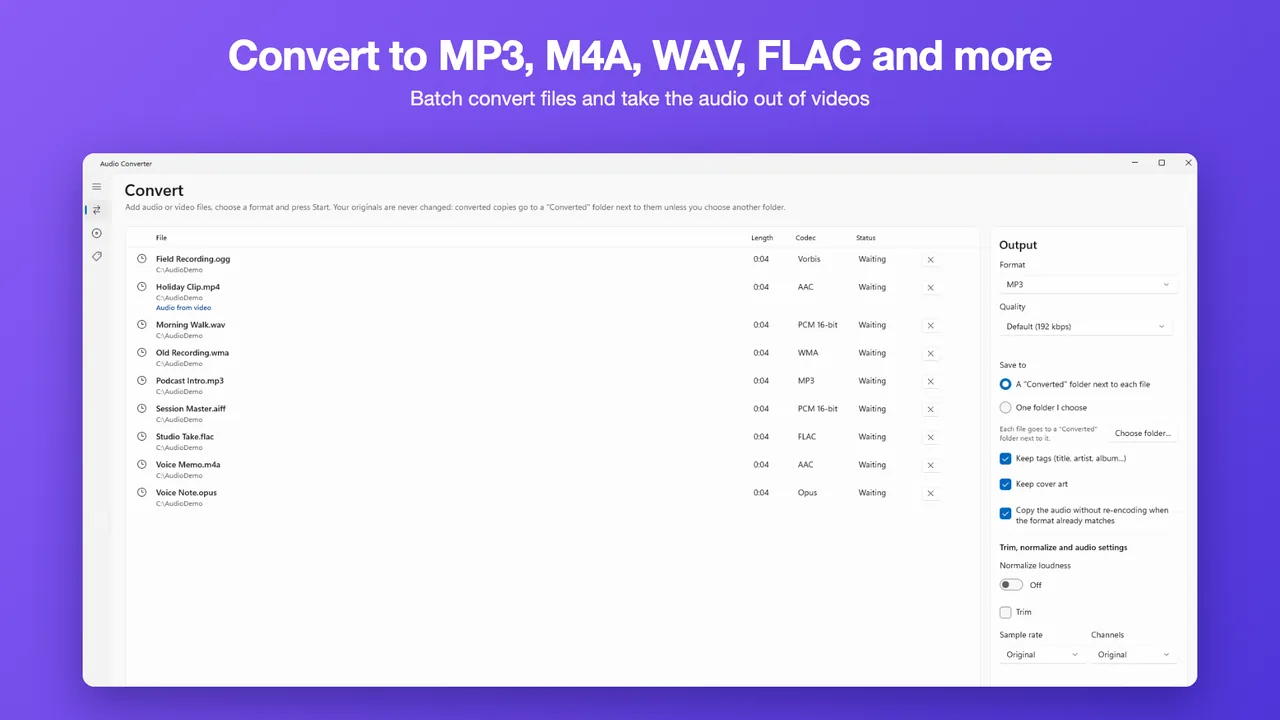
EPUB Reader
Read eBooks and comics in one library, with highlights, search and EPUB to PDF. Books are read on your PC and never uploaded.
Explore EPUB Reader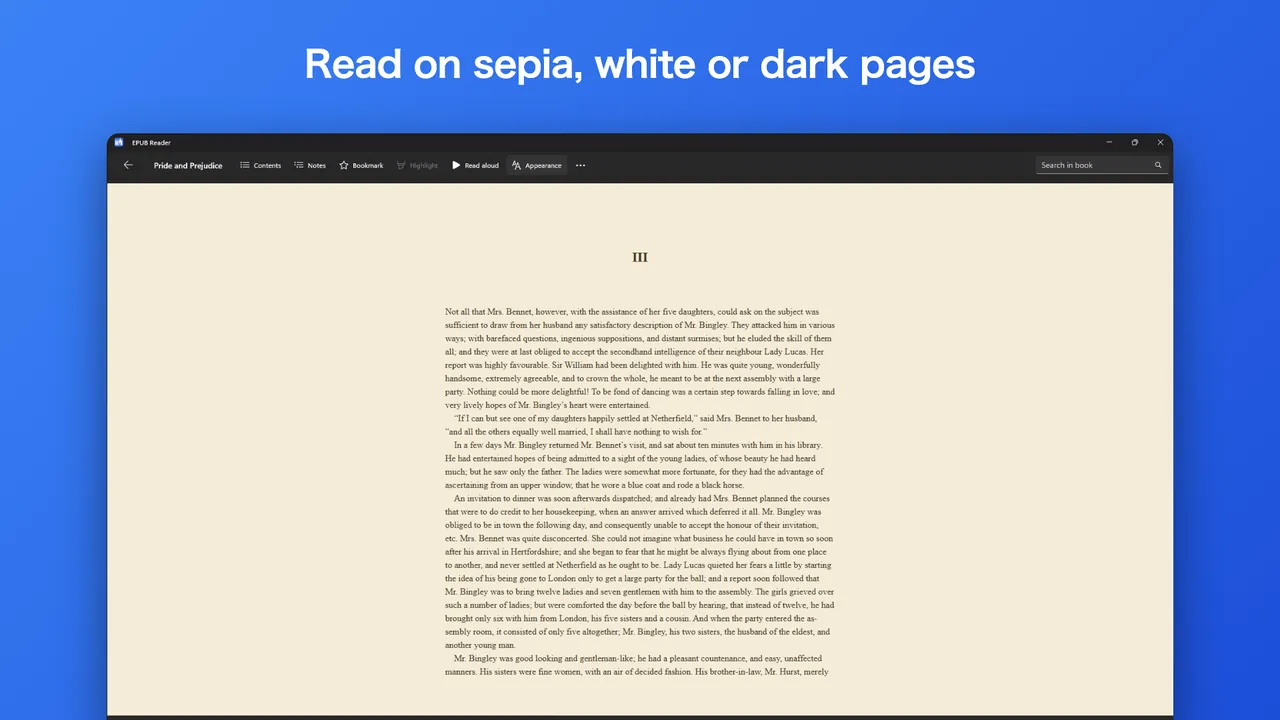
AI Chat
An AI assistant for Windows that keeps your chat history on your PC. It needs an internet connection and is powered by Anthropic's Claude models, with additional models used when a daily Claude allowance runs out.
Explore AI Chat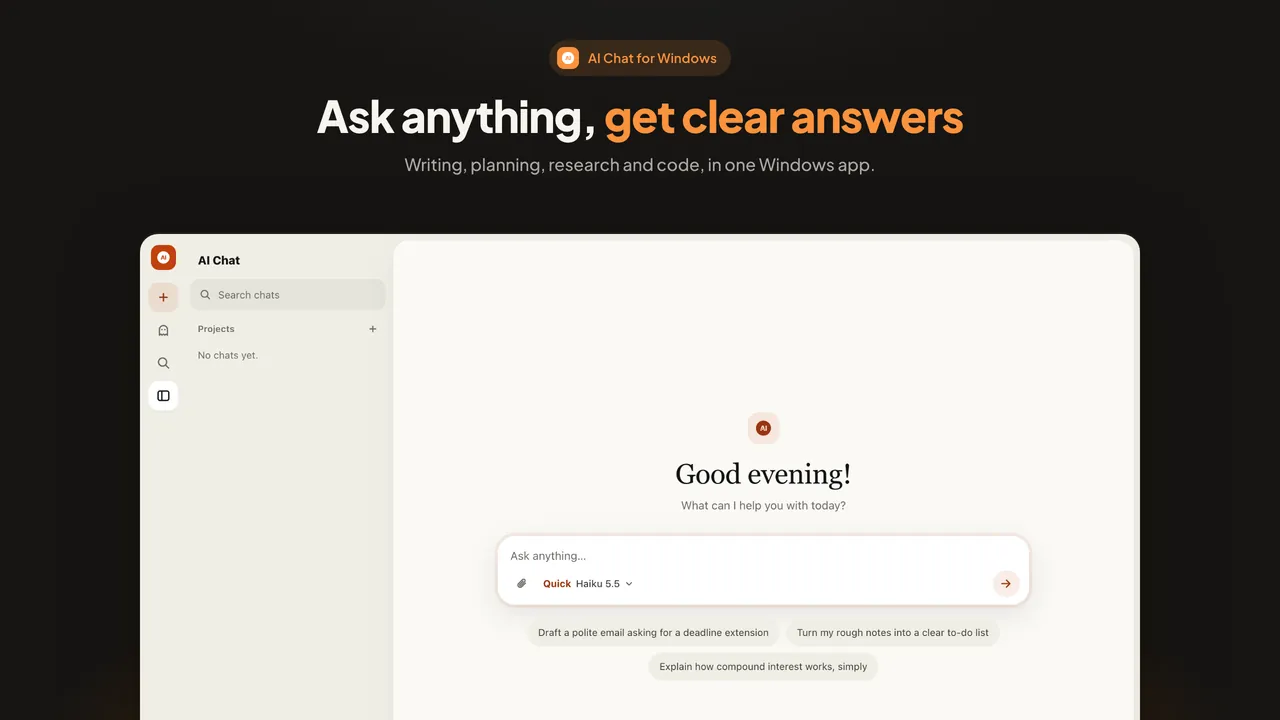
Video to Text
Turn audio and video into text on your PC. Files are transcribed on your PC and never leave it: fully offline, no account.
Explore Video to Text
See it in action
Watch each app do its one job.
Short videos, about half a minute each. Start with who we are, then pick an app.
Meet HAYAH
HEIC Converter
Convert a HEIC photo to JPG in a few clicks.
XLSX Editor
Open, fix and print a spreadsheet.
Audio Converter
Convert audio and rip a CD.
EPUB Reader
Read books and comics in one library.
AI Chat
Ask a question and get an answer.
Video to Text
Turn an interview into text and subtitles.
Narrated with an AI voice. Screens are rebuilt from the app.
How we work
Built around one job, not a do-everything suite.
One job, done well
Each app is built around one job, not a do-everything suite.
Made for Windows
File Explorer integration: right-click conversion for photos and audio, and Open with for books and spreadsheets.
Delivered by the Store
Install and update through the Microsoft Store. No separate installer, and no account with us.
Pick an app
Free to download. Upgrade only if you need more.
Six apps, all free to download. Open one for a live demo, screenshots, what is free and what is Pro.
Why HAYAH
Plain promises, in plain words.
Your files stay on your PC
HEIC Converter, XLSX Editor, Audio Converter, EPUB Reader and Video to Text never upload your files; each app's privacy page says so. AI Chat stores your chats on your PC and sends the relevant part of a conversation to its AI service to get an answer.
Free first, upgrade later
Every app is free to download. The five file apps have one-time upgrades (HEIC Converter, Audio Converter and Video to Text also sell a 7-day pass); none of them renews. AI Chat is the only subscription, because every answer has a running cost.
No ads, no accounts
None of the six apps shows ads or asks you to create an account.
Honest about data
The apps send anonymous usage events (which features were used, never your files) to help us fix and improve them. You can turn them off in Settings. Each app's privacy page lists what is sent.
Contact
Say hello.
Questions, bug reports or ideas? Write to us. We reply as soon as we can.