
Windows app
XLSX Editor
Spreadsheet, CSV Editor & XLSX to PDF
Open, edit and print everyday spreadsheets without an Office subscription or an account.
- Free to download
- No ads, no accounts
- Files never uploaded
Automatic recovery XLSX Editor
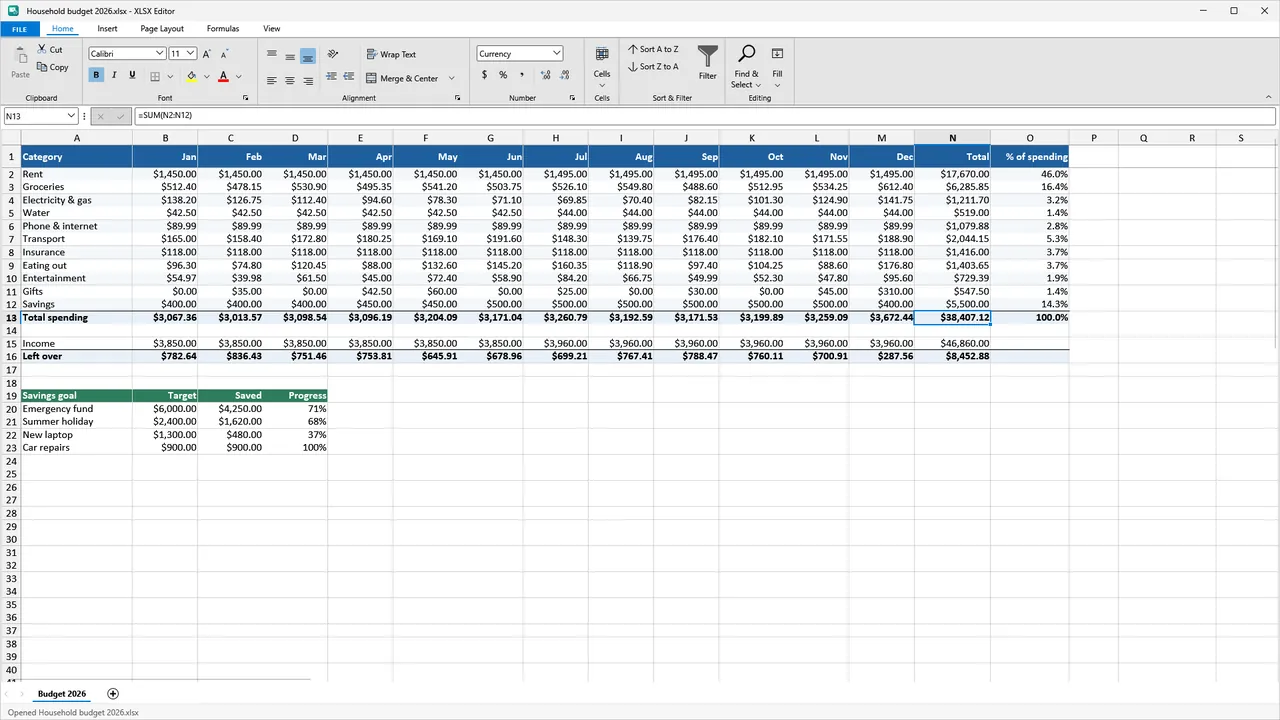 Opens .xlsx, .xls, .csv
XLSX EditorLive demo
A spreadsheet that answers back.
Try it: a live spreadsheet
Illustration with sample numbersSheet1Click a cell to see its formula. Double-click a number, type a new one and press Enter.
What it does
Small on purpose. Good at the job.
01
Your file types
Opens .xlsx, .xls and .csv; saves .xlsx, .xls and .csv
XLSX Editor02
See it before you print
Live print preview; XLSX to PDF export with Pro
XLSX Editor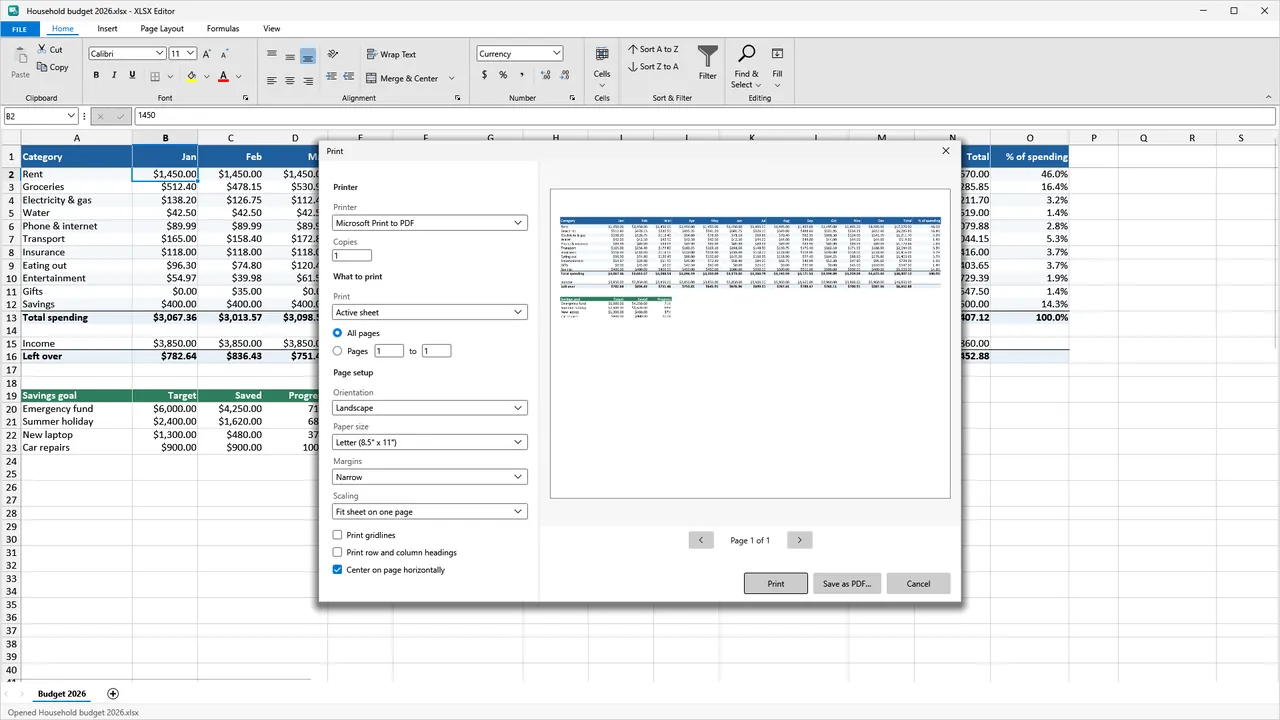
03
A safety net
Automatic recovery copy after a crash or power cut
XLSX Editor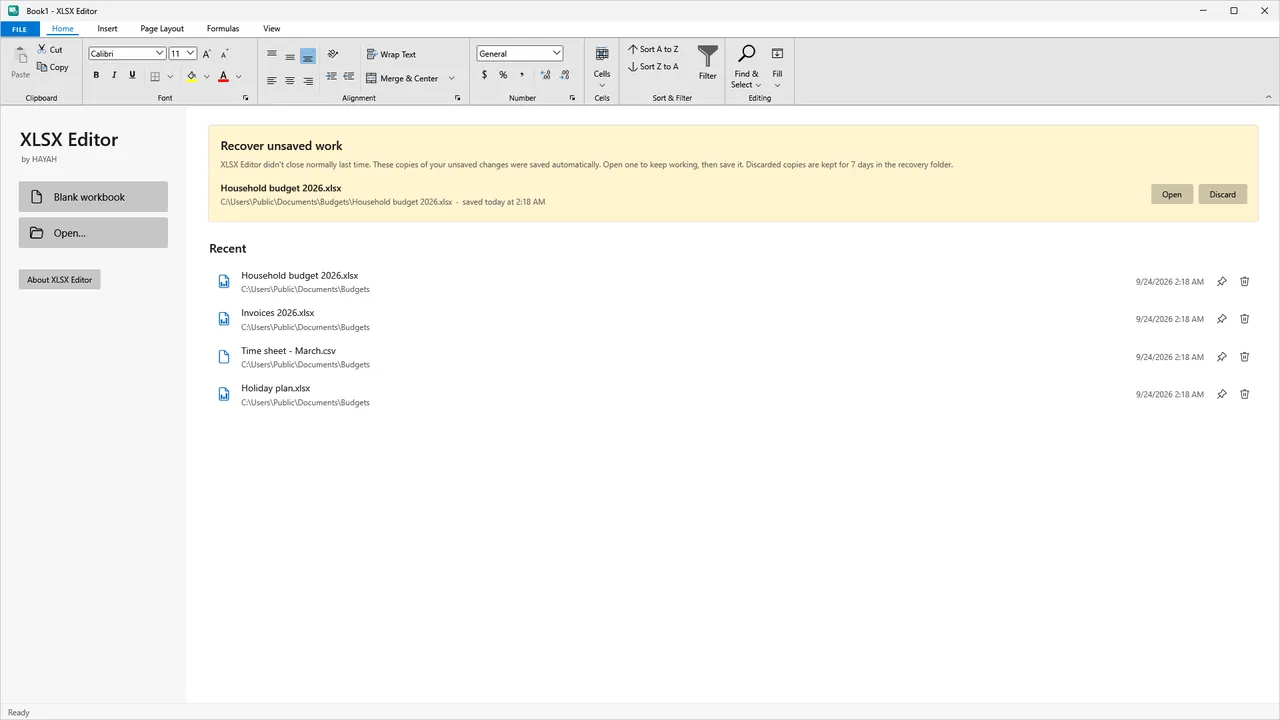
Free vs Pro
Free to start. Pro if you need more.
| Feature | Free | Pro |
|---|---|---|
| Open, edit and print | ✓ | ✓ |
| CSV saves | Unlimited | Unlimited |
| Saves as .xlsx or .xls | 3 workbooks a day | No daily limit |
| PDF export | — | ✓ |
| Full page setup | — | ✓ |
| Dark theme | — | ✓ |
| Price | Free | $19.99 one-time |
Pro is a one-time $19.99 purchase. No subscription. Prices are in US dollars and may vary by market. The Microsoft Store shows the price for your country before you buy.
FAQ
Questions, answered.
Is XLSX Editor free?
Yes. It is free to download from the Microsoft Store. Free: open, edit and print, unlimited CSV saves, and 3 workbooks a day saved as .xlsx or .xls. Pro is a one-time $19.99 purchase, with no subscription.
Are my files uploaded anywhere?
No. XLSX Editor never uploads your files; its privacy page says so.
Which file types can I open and save?
It opens .xlsx, .xls and .csv, and saves .xlsx, .xls and .csv.
Is it Microsoft Excel?
No. XLSX Editor is not Microsoft Excel and is not affiliated with Microsoft. It lets you open, edit and print everyday spreadsheets without an Office subscription or an account. It does not run macros or create charts, pivot tables or conditional formatting.
What happens if my PC crashes?
XLSX Editor keeps an automatic recovery copy after a crash or power cut.
Do I need an account?
No. None of the five HAYAH apps shows ads or asks you to create an account.
Does the app send any data?
The apps send anonymous usage events (which features were used, never your files) to help us fix and improve them. You can turn them off in Settings. Each app's privacy page lists what is sent.
More
XLSX Editor policies
Each app has its own privacy policy and terms. The links open in a new page on the app's own website.
Other HAYAH apps
 HEIC Converter
 Audio Converter
 EPUB Reader
 AI Chat