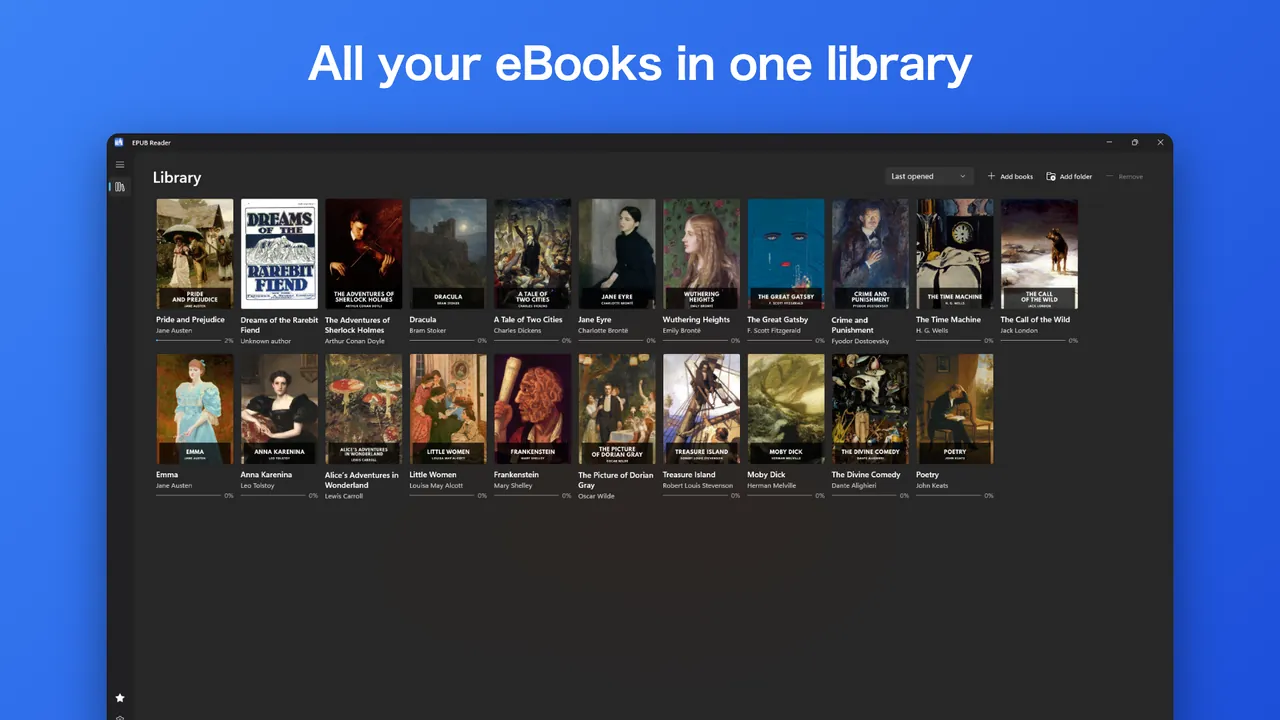
Does Windows open EPUB files?
Windows 11 does not include an app that opens EPUB files, and Microsoft Edge no longer reads them. You need a reader app. The Microsoft Store has several. This guide uses EPUB Reader from HAYAH.
Before you start: DRM
An EPUB from a library, a free-books site or a publisher without copy protection will open. A book bought from Amazon Kindle, or locked with Adobe DRM, opens only in the app it was bought from. EPUB Reader opens DRM-free books only. It recognizes protected books at once and explains why, and it never removes or bypasses DRM. For those books, use the Kindle app or Adobe Digital Editions.
Open an EPUB with EPUB Reader
- Install EPUB Reader from the Microsoft Store with the button below.
- Choose Add books or Add folder, or drag files onto the window. You can also right-click a book in File Explorer and choose Open with.
- Click a cover in your library to start reading. The app saves your place in every book.
The same library holds EPUB, MOBI, AZW3, FB2 and PDF books and CBZ comics.
Make it comfortable to read
- White and dark pages, or follow the Windows theme.
- Choose the font, text size, line spacing and margins.
- Read in pages or in continuous scroll, in one or two columns.
- Search the whole book and jump to any chapter from the table of contents.
- Add bookmarks and highlights in four colors.
Free and Pro
EPUB Reader is free to download and free to read. Pro is an optional $11.99 one-time purchase that adds read aloud, unlimited EPUB to PDF export, highlight export, sepia pages, your own font files, CBR comics and right-to-left page turning. There is no subscription. Books are read on your PC and never uploaded.
Want a PDF copy instead? See Convert EPUB to PDF on Windows.
Questions
Why will my EPUB not open?
Which formats does EPUB Reader open?
Can it open Kindle books?
Is it free?
Are my books uploaded?
More guides
Prices are in US dollars and may vary by market. The Microsoft Store shows the price for your country before you buy. Microsoft, Windows, Excel and Microsoft Store are trademarks of Microsoft; HAYAH is not affiliated with Microsoft or Apple.